Configure the workflow
Workflow configuration helps to bind tasks to the given node. The action source should be from Data Model Visualizer, Function Factory, Workflow, or supported third-party apps.
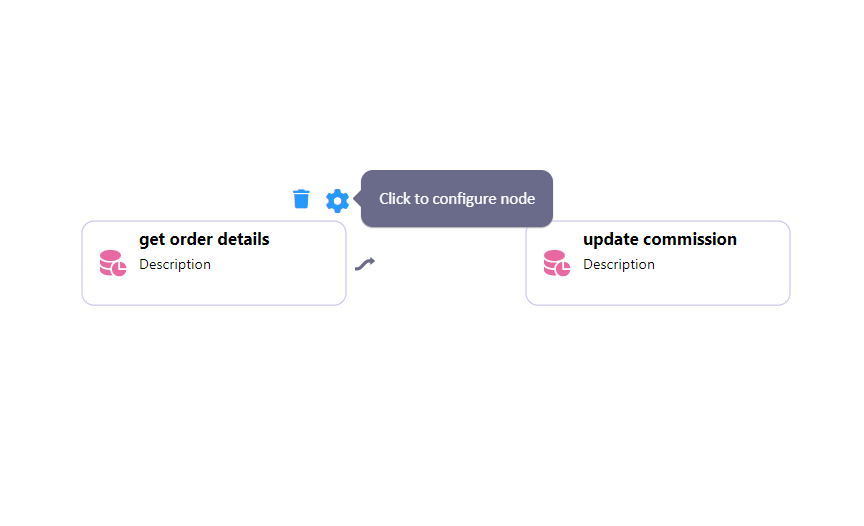

Warning: Node configuration is necessary to successfully compile the workflow.
Configure
When clicking on the Configuration icon, a list of tasks appears depending on the node type.

Tip: With the help of searchinput, you can easily find the desired data model and any other option for configuration.
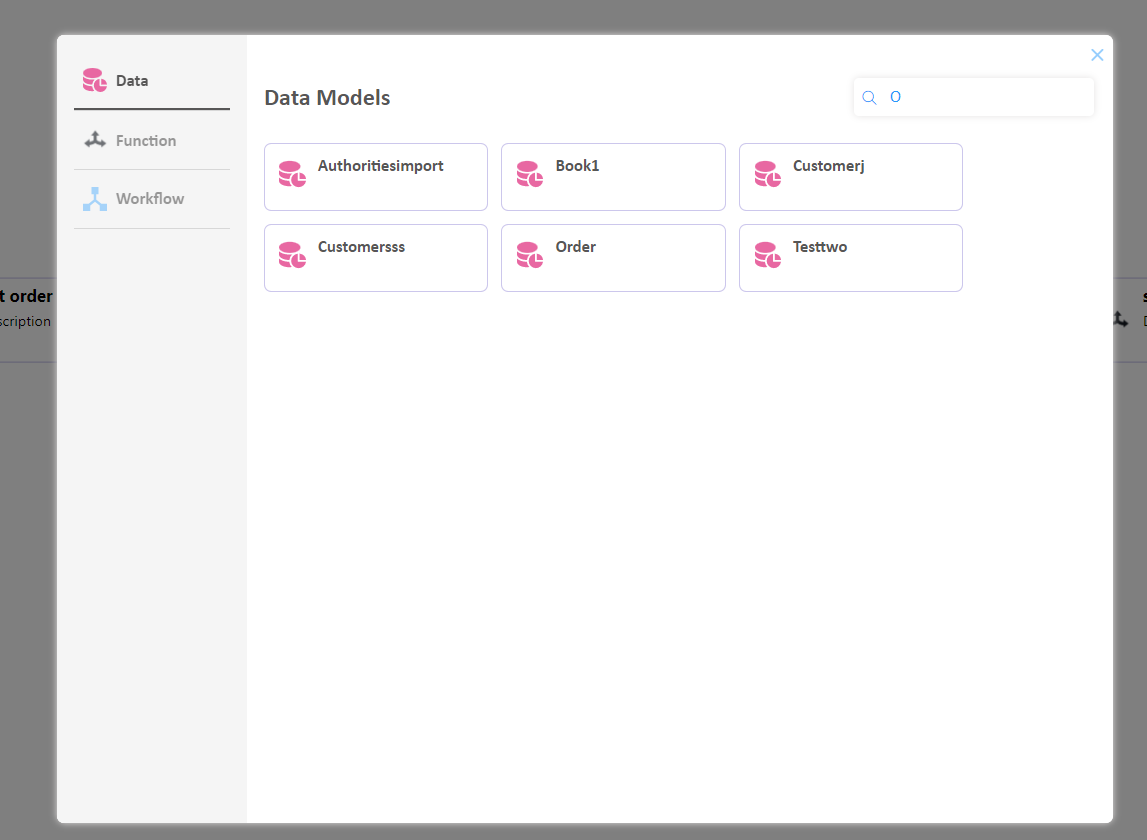
Select one of the listed APIs/models to see its available actions. Upon selection, you can view the input properties required by the APIs/models to perform and the outputs returned once the action is performed.