Named Paths
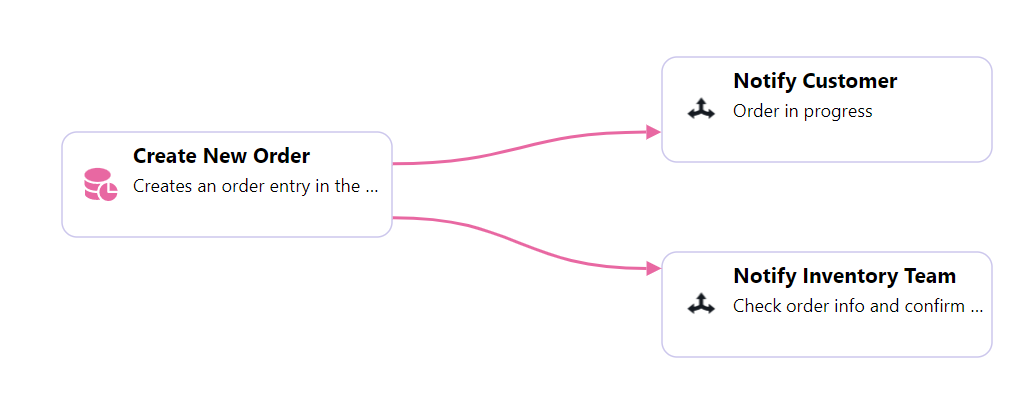
From the previous example, we can name each path of a flow by selecting the link and clicking the cog icon, then entering the name of the path in the pop-up window.
From the previous example, we can name each path of a flow by selecting the link and clicking the cog icon, then entering the name of the path in the pop-up window.